Start with a direction
Use a topic and reference material to guide the script and the visual tone of your video.
Build faceless videos around a topic, a transcript or a creative reference. Choose a duration from 1 to 60 minutes, shape the narration and subtitles, then refine the result in a browser-based editor.
$2 one-time editor access; AI generation is billed separately.
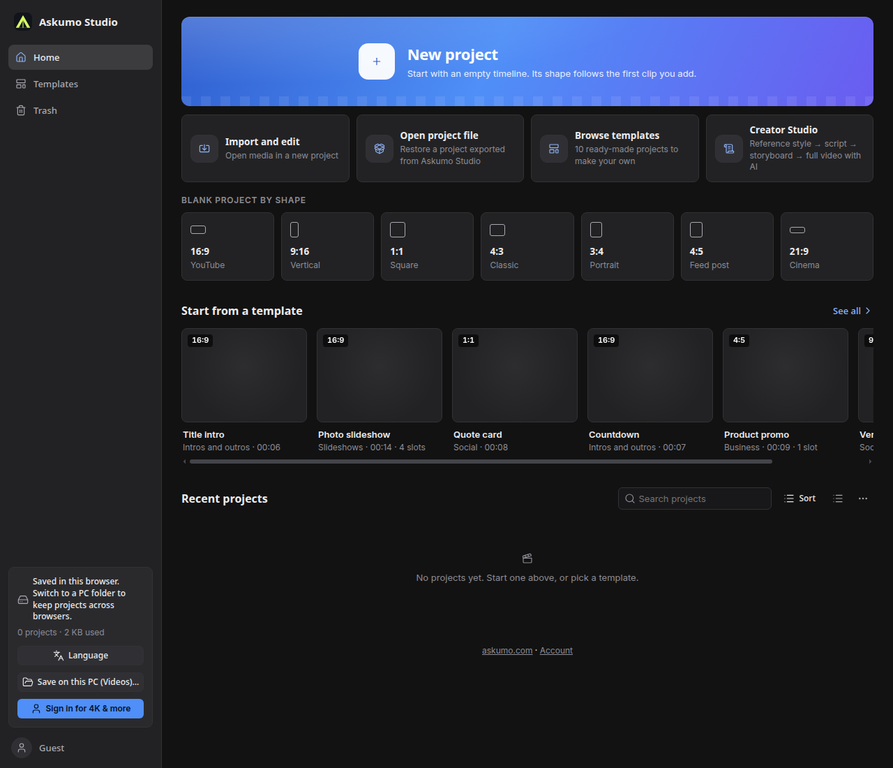

Build faceless videos around a topic, a transcript or a creative reference. Choose a duration from 1 to 60 minutes, shape the narration and subtitles, then refine the result in a browser-based editor.
Use a topic and reference material to guide the script and the visual tone of your video.
Set a 1–60 minute target and choose the narration, voice, subtitle and scene style that fits your idea.
Use your own generated images or an AI-assisted workflow, then continue editing the result in the video timeline.
Plan a faceless video from a topic, reference, voice and scene direction. Review the draft in Creator Studio, then refine it in the timeline.
Open the video editor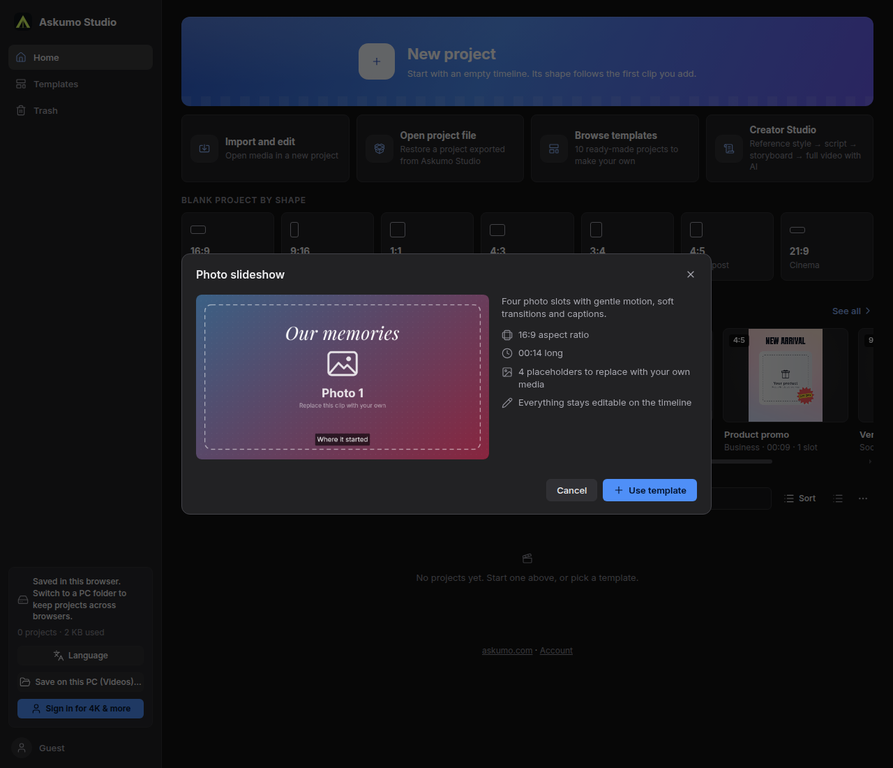
Yes. The Creator Studio duration selector supports projects from 1 to 60 minutes.
Umo Video opens in your browser. Some generation workflows depend on the selected provider and its availability.

Draw scalable artwork in the browser, then refine paths, shapes, layers and typography in one vector workspace.

A multitrack browser workspace for recording, editing and mixing audio, music and narration.
Write and format documents in a browser workspace, with DOCX files as part of the workflow.